Thesis writing
Write your thesis in Markdown on Mac.
Minidocs turns a plain Markdown file into a polished thesis PDF. Math, diagrams, citations, cover page, table of contents, and page headers — all from the same source, no LaTeX required.
Why Markdown for a thesis
Markdown keeps the source in plain text — readable in any editor, trackable in git, and free of the proprietary formats that make long academic documents hard to manage. Minidocs adds everything a thesis needs on top: math rendering, diagram support, structured citations, and polished PDF export.
Math and diagrams
Write LaTeX math inline ($x^2$) or in display blocks ($$\int_0^\infty$$). Minidocs renders it with KaTeX — crisp in preview, crisp in the exported PDF. Mermaid diagrams work the same way: a text block in the source becomes a rendered figure in the output.
Citations — APA, MLA, Chicago, plain
Add sources with a slash command, assign numbered markers in the text, and Minidocs generates a formatted reference list at the end of the document. Supported styles: APA, MLA, Chicago, and plain numbered. No external reference manager required — sources live in the document alongside the text.
Cover page and table of contents
Type /cover to add a styled title page with title, author, date, instructor, and course. Type /toc and the preview generates a linked table of contents from your headings. Both export cleanly into the final PDF.
PDF export with proper pagination
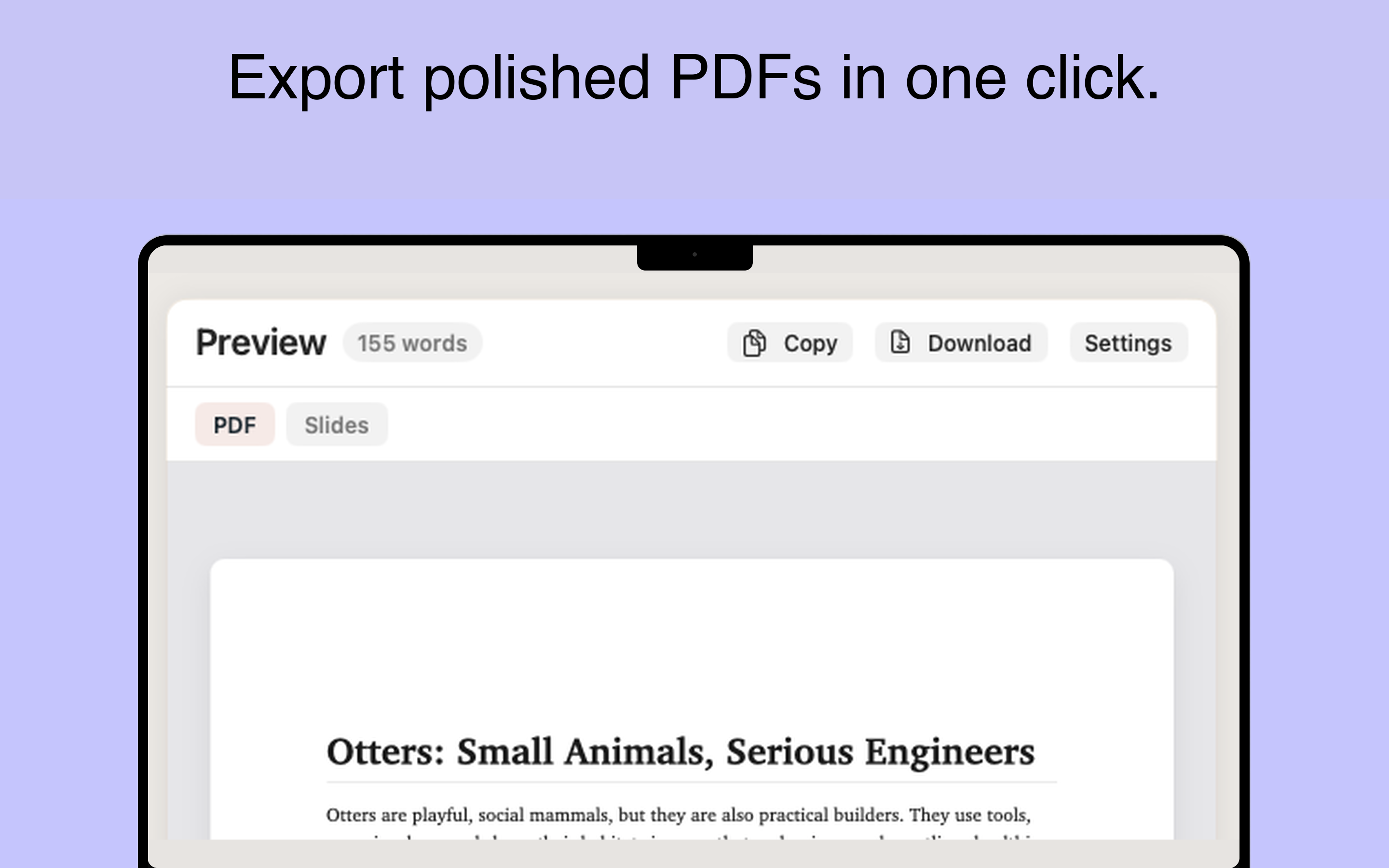
Minidocs exports print-quality PDFs with proper pagination, headers, widows, and orphans handled. Choose paper size, margins, font, and spacing visually — no stylesheet editing. The same source can also export as an HTML file or a slide deck from the same window.
Local-first and private
Thesis documents stay in iCloud Documents or your local Mac — not on a Minidocs server. No account required. The app runs fully offline.
Originality verification
Minidocs can embed a verification record in exported PDFs. Educators can scan the QR code to see when the document was exported and how the text was entered — useful when submitting work that needs to show it was written, not pasted.
Thesis FAQ
Can I write a thesis in Markdown on Mac?
Yes. Minidocs lets you write a thesis in Markdown and export a polished PDF with proper pagination, cover page, table of contents, citations, math, diagrams, and code blocks.
Does Minidocs support APA and MLA citations?
Yes. APA, MLA, Chicago, and plain citation styles are supported. Numbered markers appear in the text and sources are gathered at the end automatically.
Can Minidocs export a thesis with a cover page?
Yes. Minidocs generates a styled cover page with title, author, date, instructor, and course.
Does it support LaTeX math?
Yes. Inline and display LaTeX equations are rendered with KaTeX and export crisp to PDF.
Is my thesis stored locally?
Yes. Documents are stored in iCloud or local storage — no Minidocs account or cloud service required.