Engineering specs
Write RFCs and technical specs in Markdown on Mac.
Minidocs is built for technical documents. Write in Markdown, embed Mermaid diagrams, code blocks, tables, and math — then export a polished PDF for distribution or review.
Plain text source, finished PDF output
RFCs and design documents should be writable in any editor and trackable in git. Minidocs keeps the source as plain Markdown in a folder on disk — readable anywhere, diffable in git, not locked into a proprietary format. Minidocs adds the rendering layer: preview the finished document while you write, and export when it is ready to share.
Mermaid diagrams inline
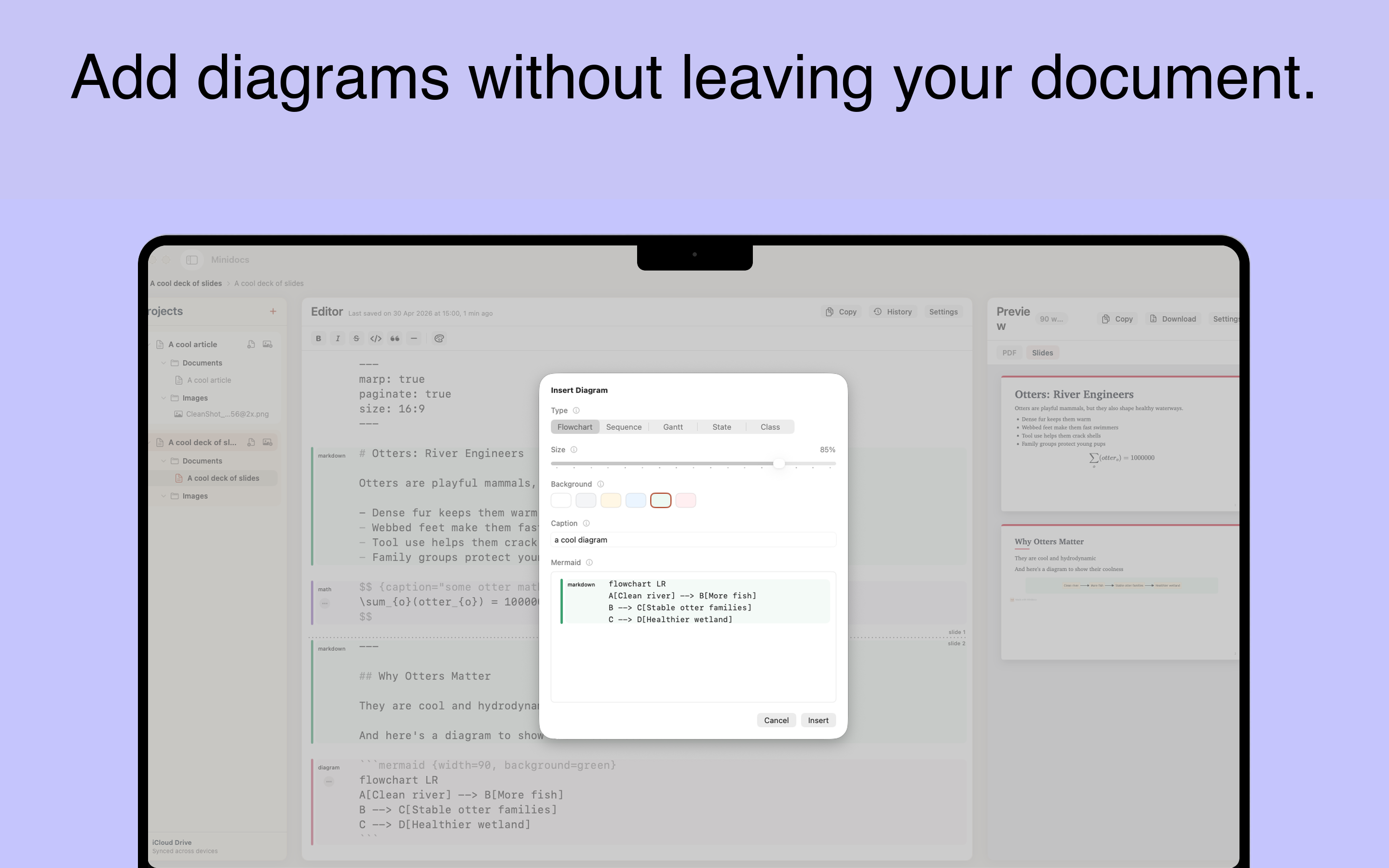
Type a Mermaid code block or use the /mermaid slash command to insert flowcharts, sequence diagrams, Gantt charts, state diagrams, and class diagrams. They render live in the preview and export as part of the PDF. No external diagramming tool required.
Code blocks with syntax highlighting
Fenced code blocks render with syntax highlighting for dozens of languages. Useful for including snippets, configuration examples, API schemas, and pseudocode in technical specifications.
Tables and math
GFM-style tables can be built with a visual editor or written in Markdown. KaTeX math renders inline or in display blocks — useful for algorithm descriptions, complexity notation, and formal specifications.
One source, multiple outputs
The same Markdown source can render as a long-form PDF document or as a slide deck. Write the RFC once, export the document for asynchronous review and the slides for the walkthrough meeting.
Good fits
- Engineering RFCs and design documents.
- Architecture decision records (ADRs).
- API specifications and integration guides.
- Technical proposals and onboarding documents.
- Research papers and technical write-ups with code and diagrams.
Engineering spec FAQ
Can I write an RFC in Markdown on Mac?
Yes. Minidocs is built for technical documents — Mermaid diagrams, code, tables, math, and polished PDF export from plain Markdown.
Does Minidocs support Mermaid diagrams?
Yes. Flowcharts, sequence diagrams, Gantt charts, state diagrams, and class diagrams render in the live preview and PDF export.
Can I keep the RFC as a Markdown file in git?
Yes. Minidocs documents are plain Markdown files stored in a project folder on disk — trackable in git, readable in any editor.