Stay oriented in long drafts
Jump from a source section to the matching preview area.
A native Mac app that turns one Markdown source into finished PDFs, slides, and HTML. Math, diagrams, code, tables, and styling built in.
Built for students, professors, engineers, and product people.
Watch it work
Jump from a source section to the matching preview area.
Insert common rich blocks without breaking the writing flow.
Build technical documents with formulas and Mermaid diagrams.
Tune type, spacing, colors, paper, and preview styling visually.
Compare saved drafts and bring back the one that works best.
Features
Nothing hidden in a settings panel, nothing sold as an extension. One app, one price, all of it.
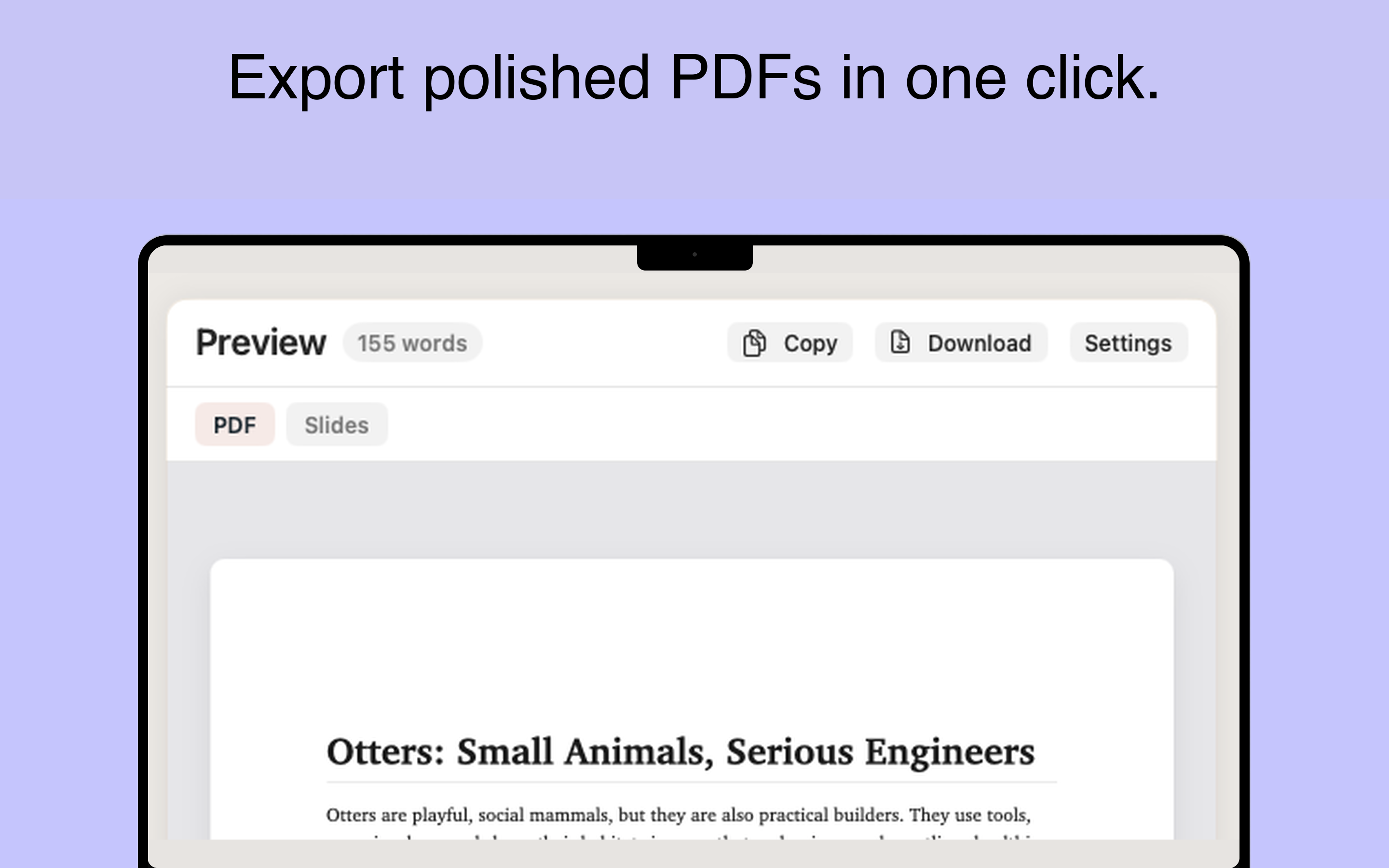
Print-quality PDFs with proper pagination, headers, code blocks, and math. Export with ⌘E.
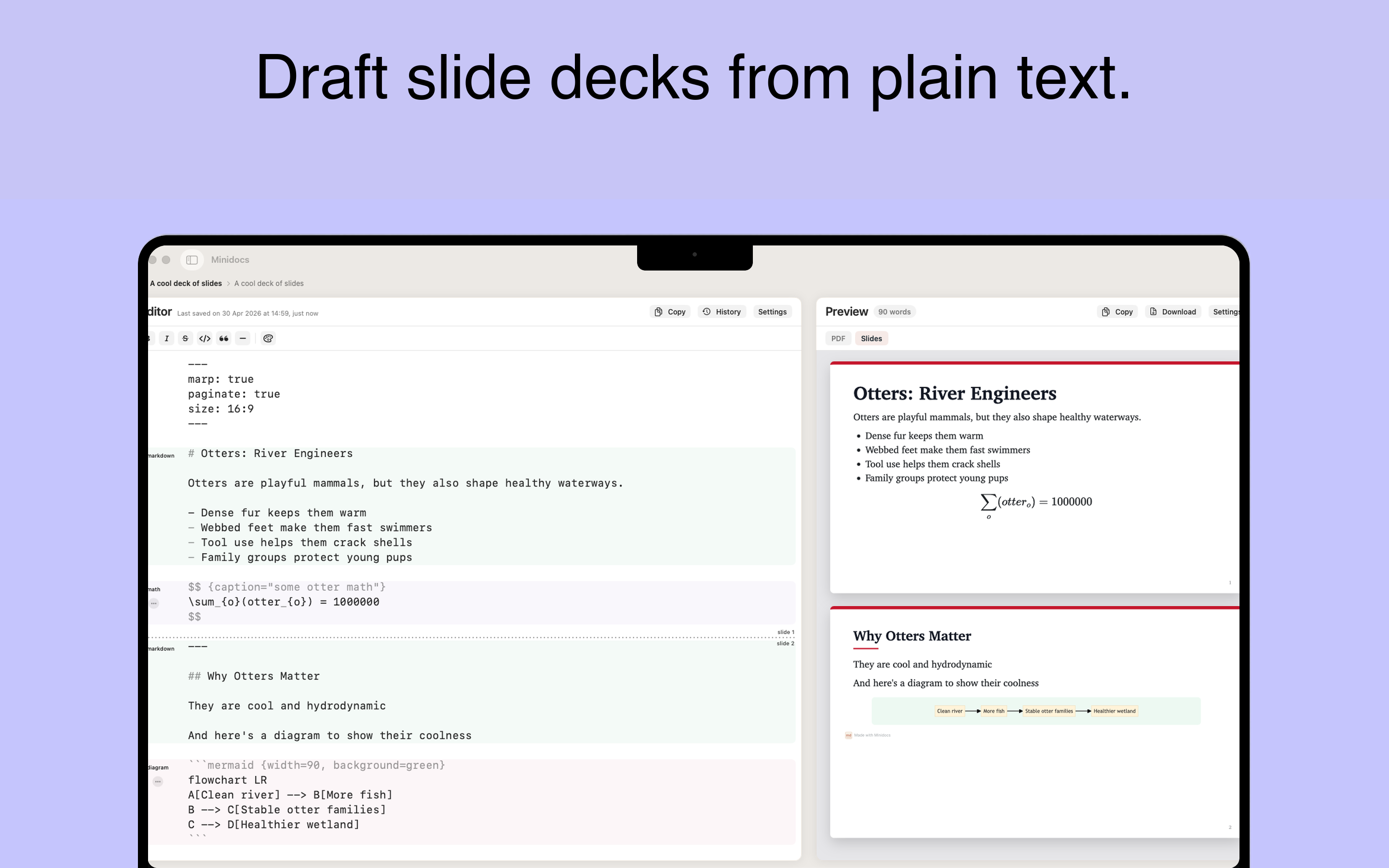
Turn headings into slide breaks. Export a clean deck from the same Markdown source — no duplicate content.
A self-contained HTML file you can share or host. Math, diagrams, and code are all embedded.
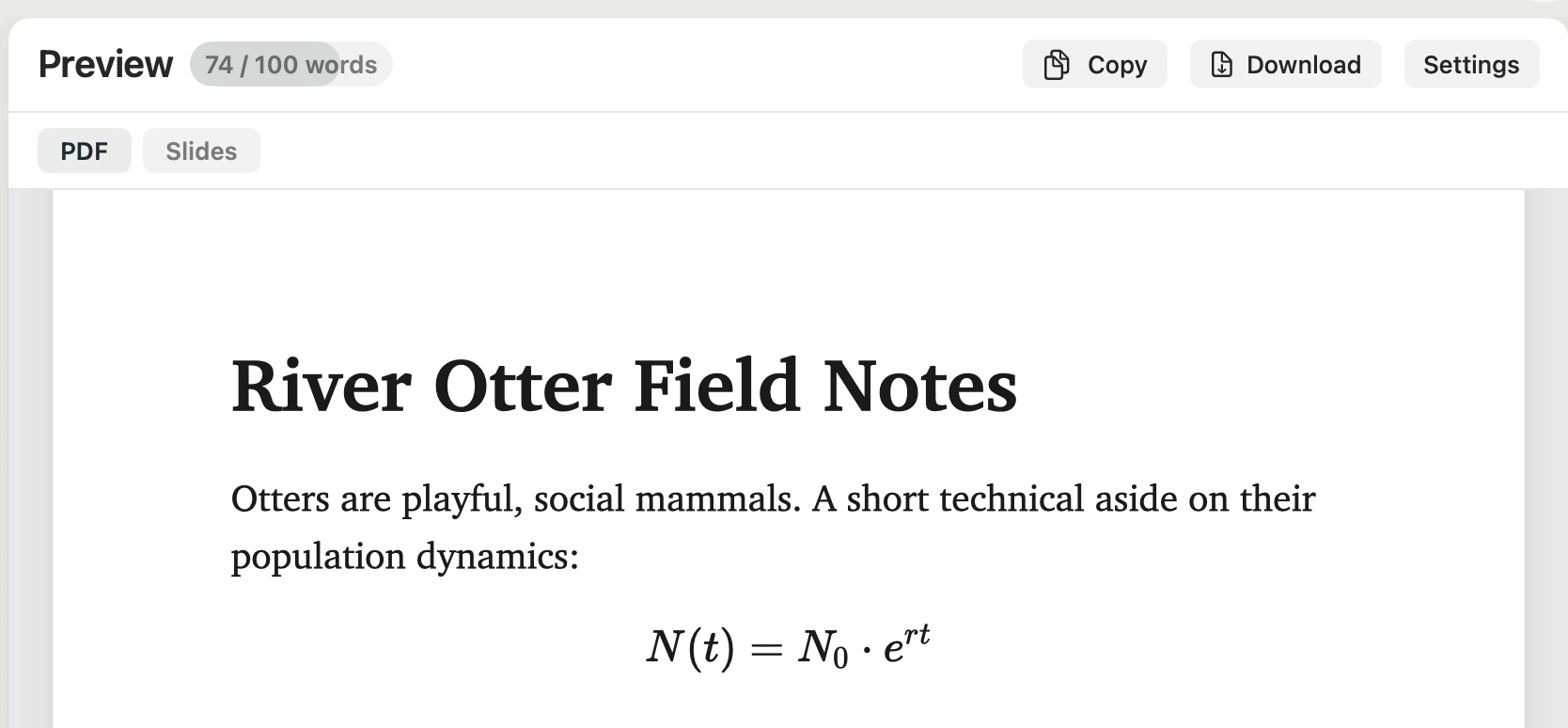
Inline and display LaTeX equations, rendered with KaTeX. Exports crisp to every format.
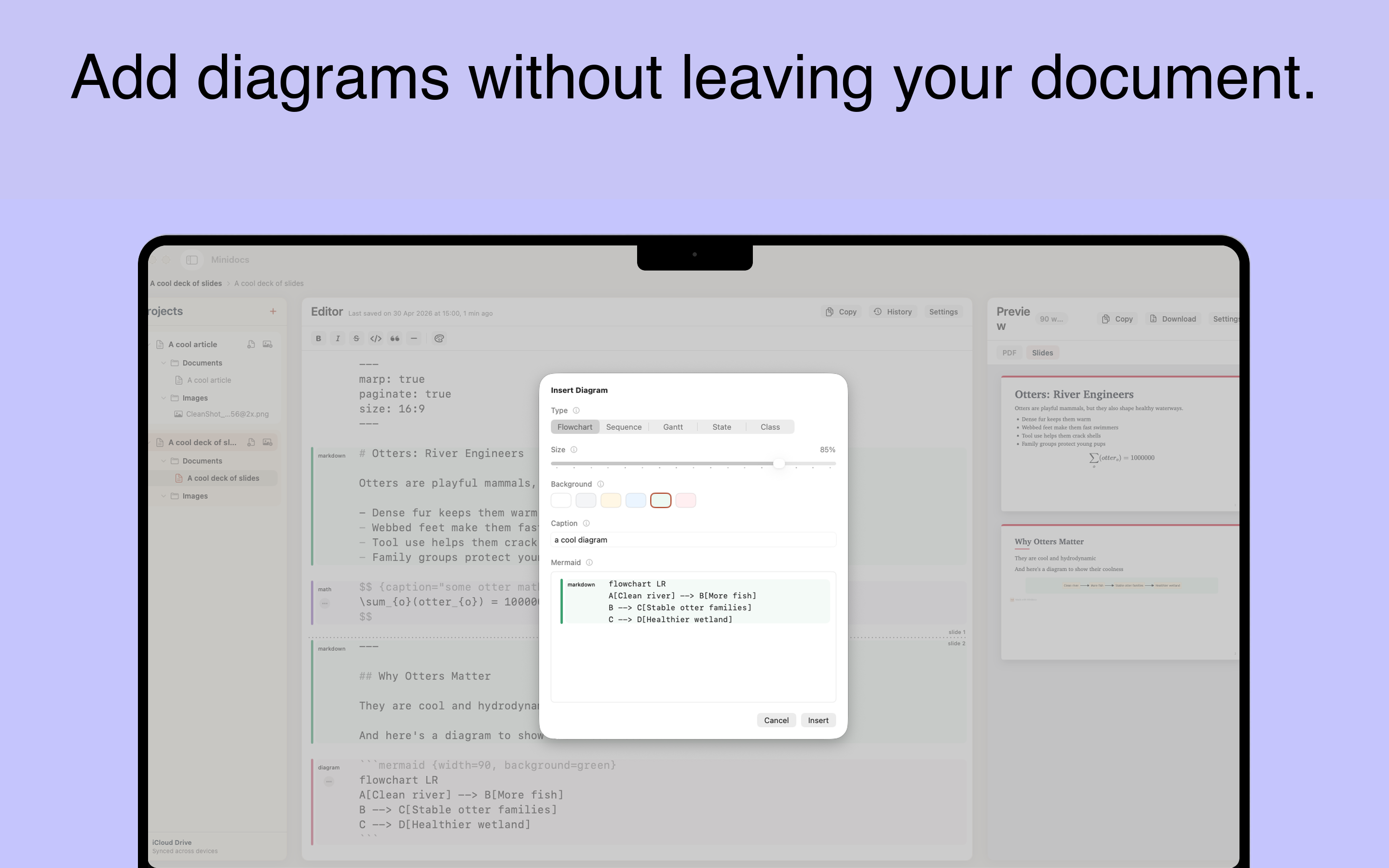
Flowcharts, sequence diagrams, Gantt charts, state diagrams, and class diagrams — from text.
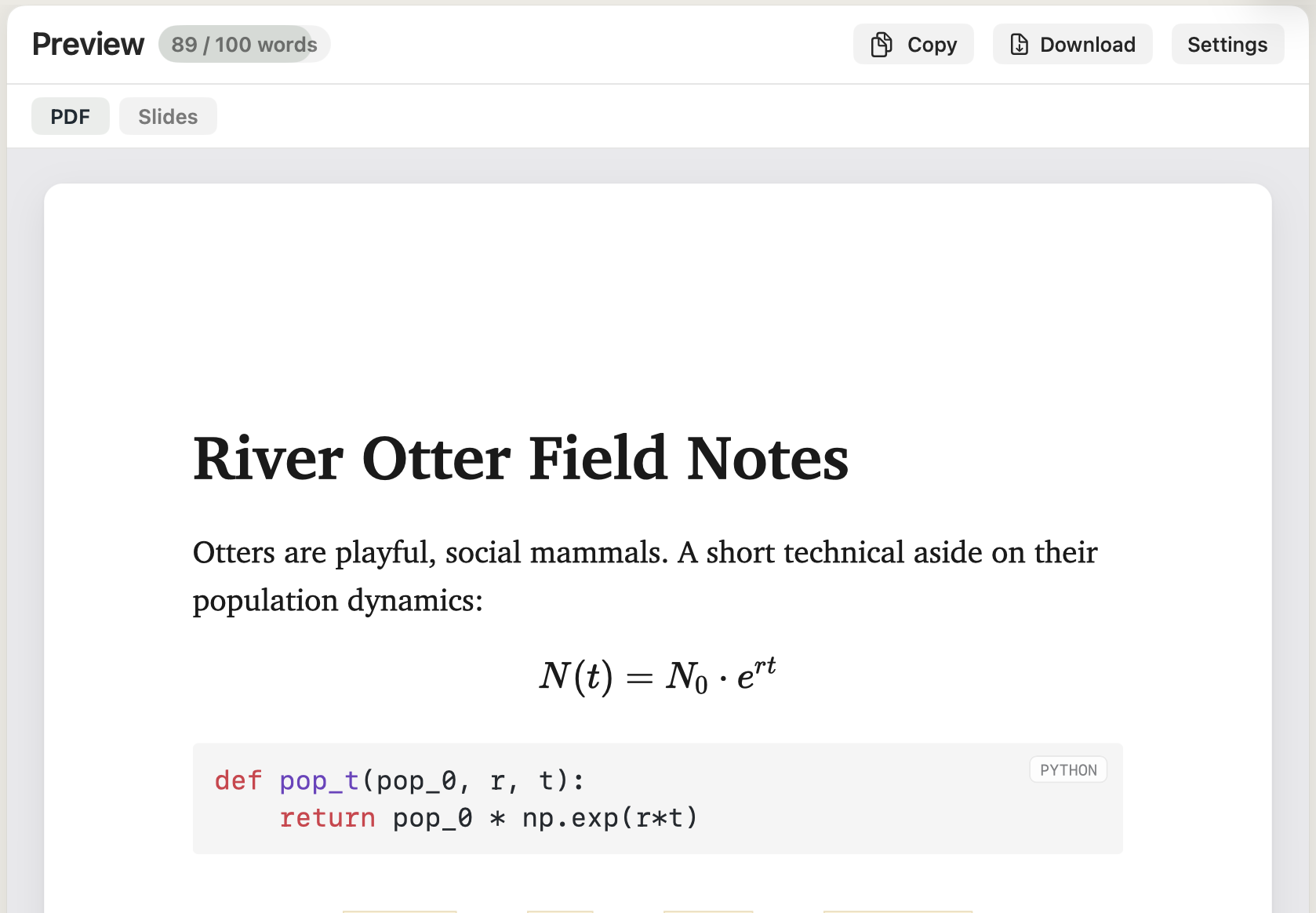
Fenced code blocks with theme-aware highlighting for dozens of languages.
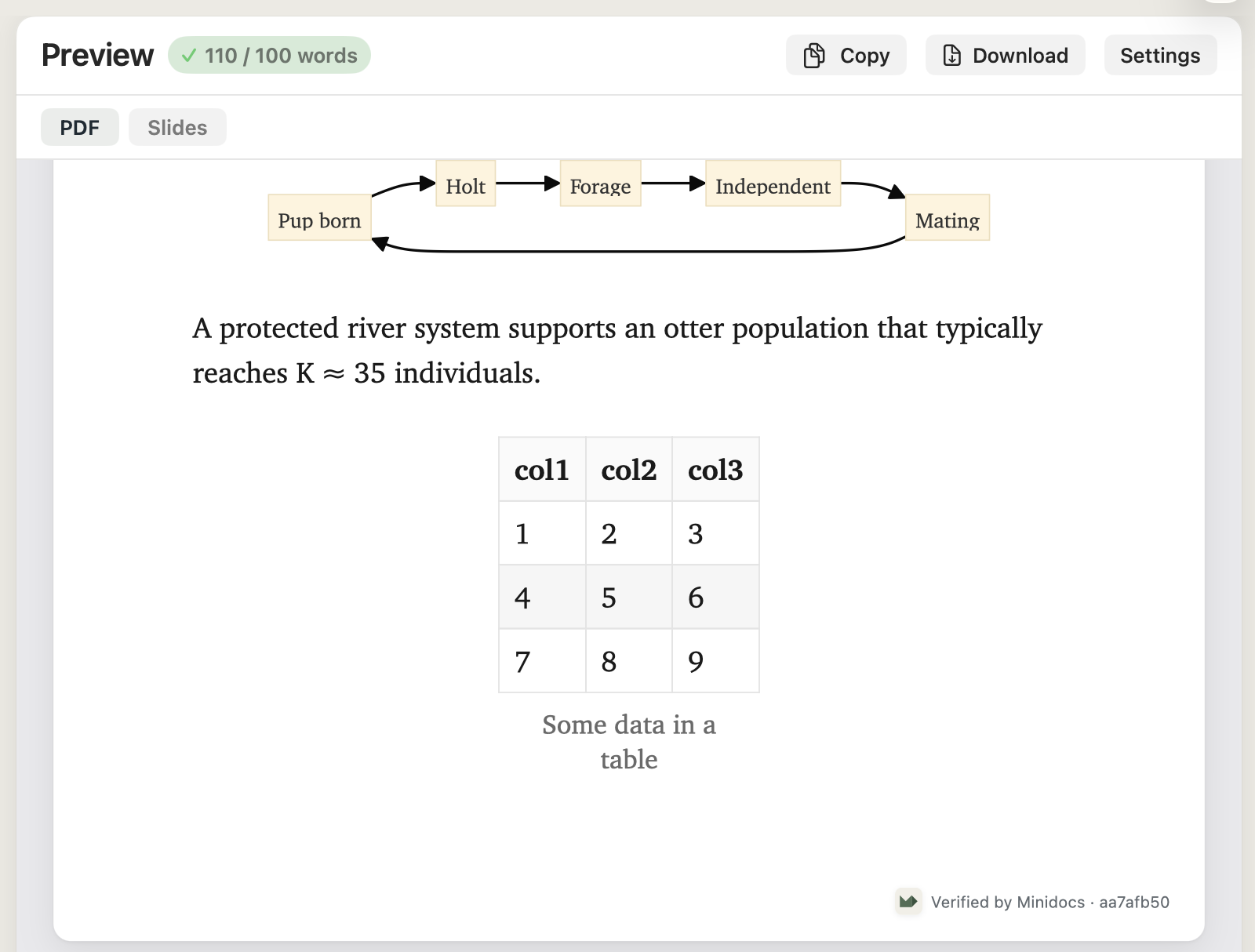
Build with a visual editor, paste CSV, or write GFM syntax. Customise alignment, caption, and zebra-striping after insertion.
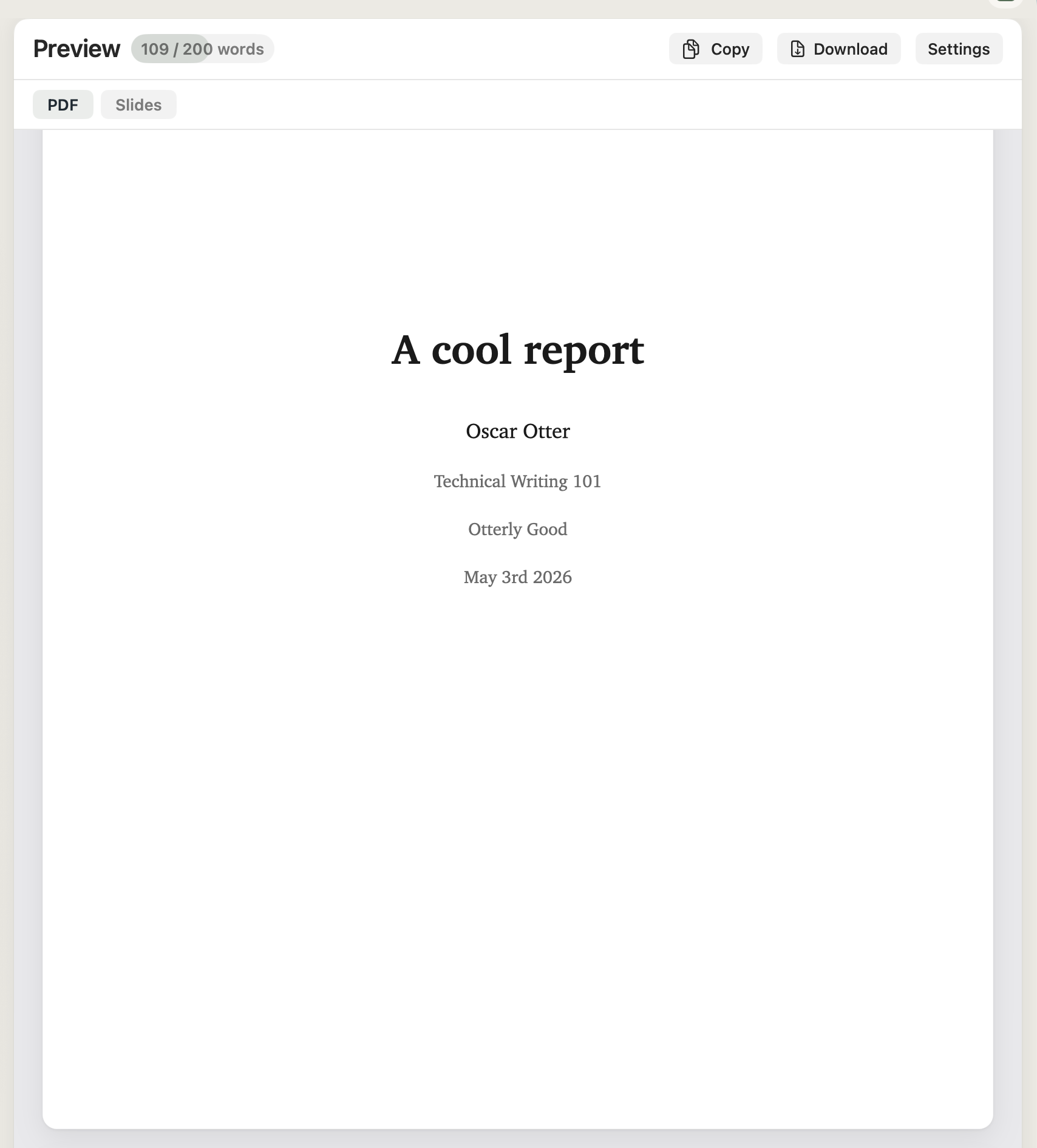
A styled title page with title, author, date, instructor, and course. No manual formatting.
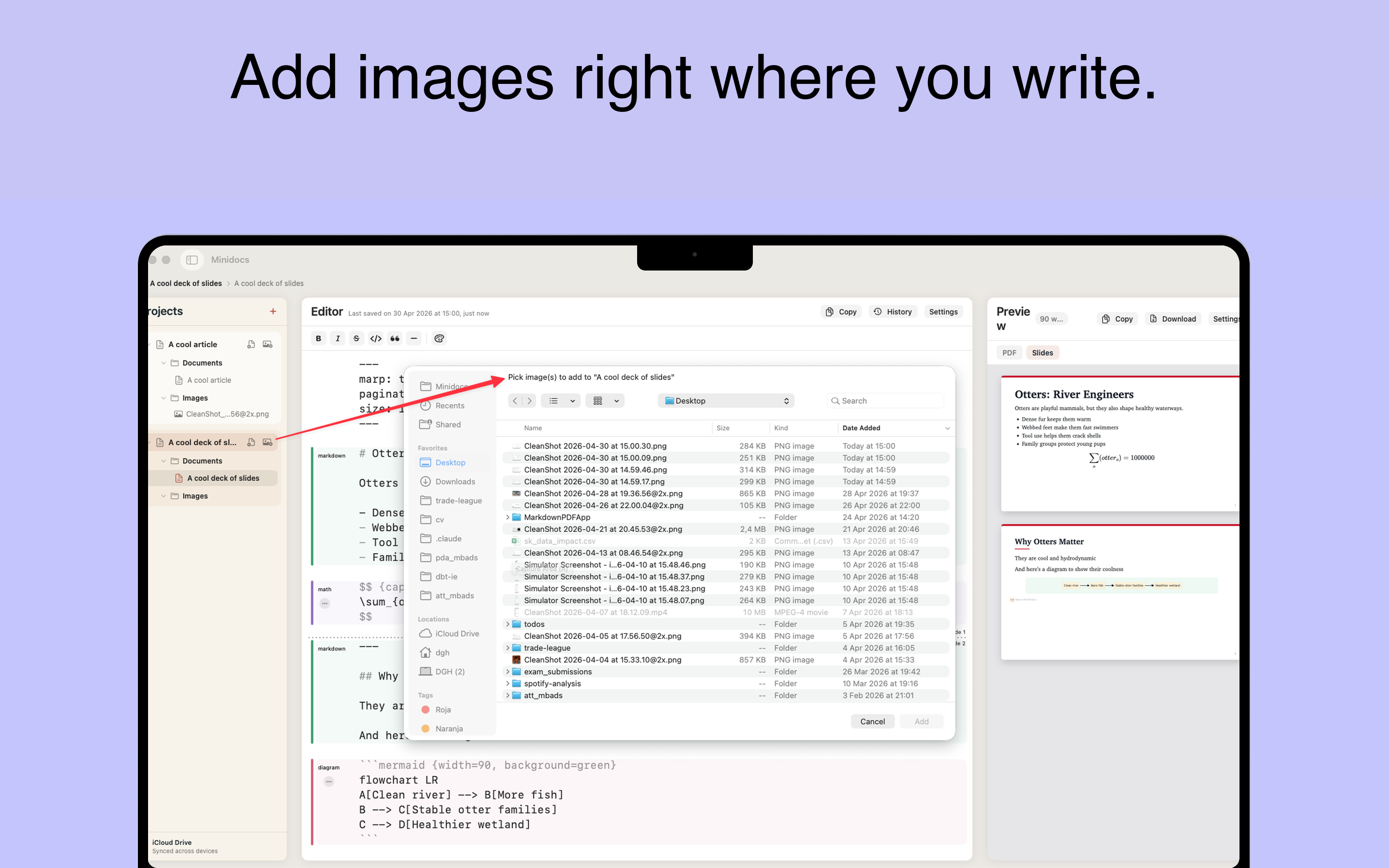
Embed images from the project folder with optional captions. Stored locally alongside the document.
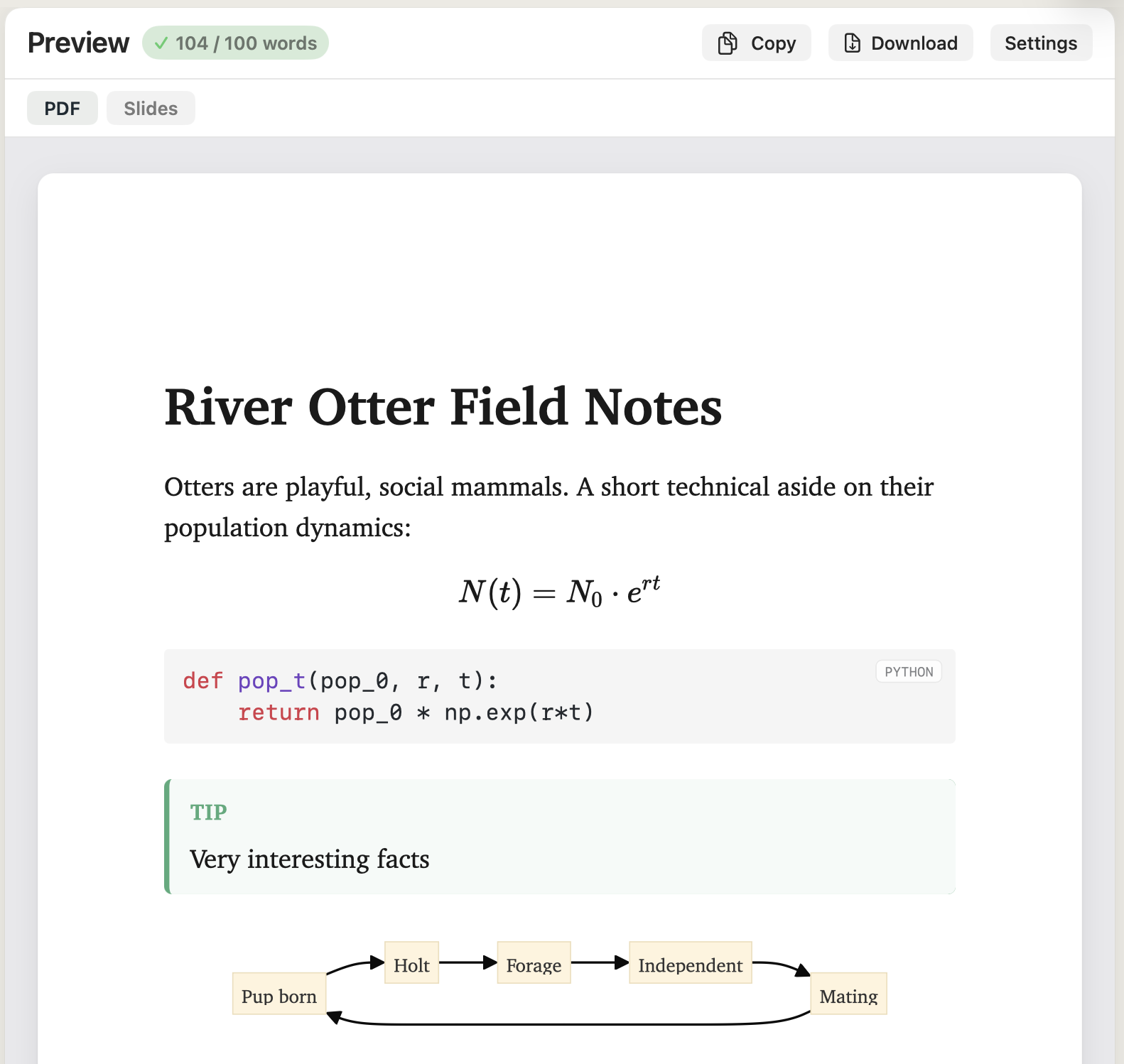
Note, Tip, Info, Warning, and Danger. Each carries the right accent and icon in the output.
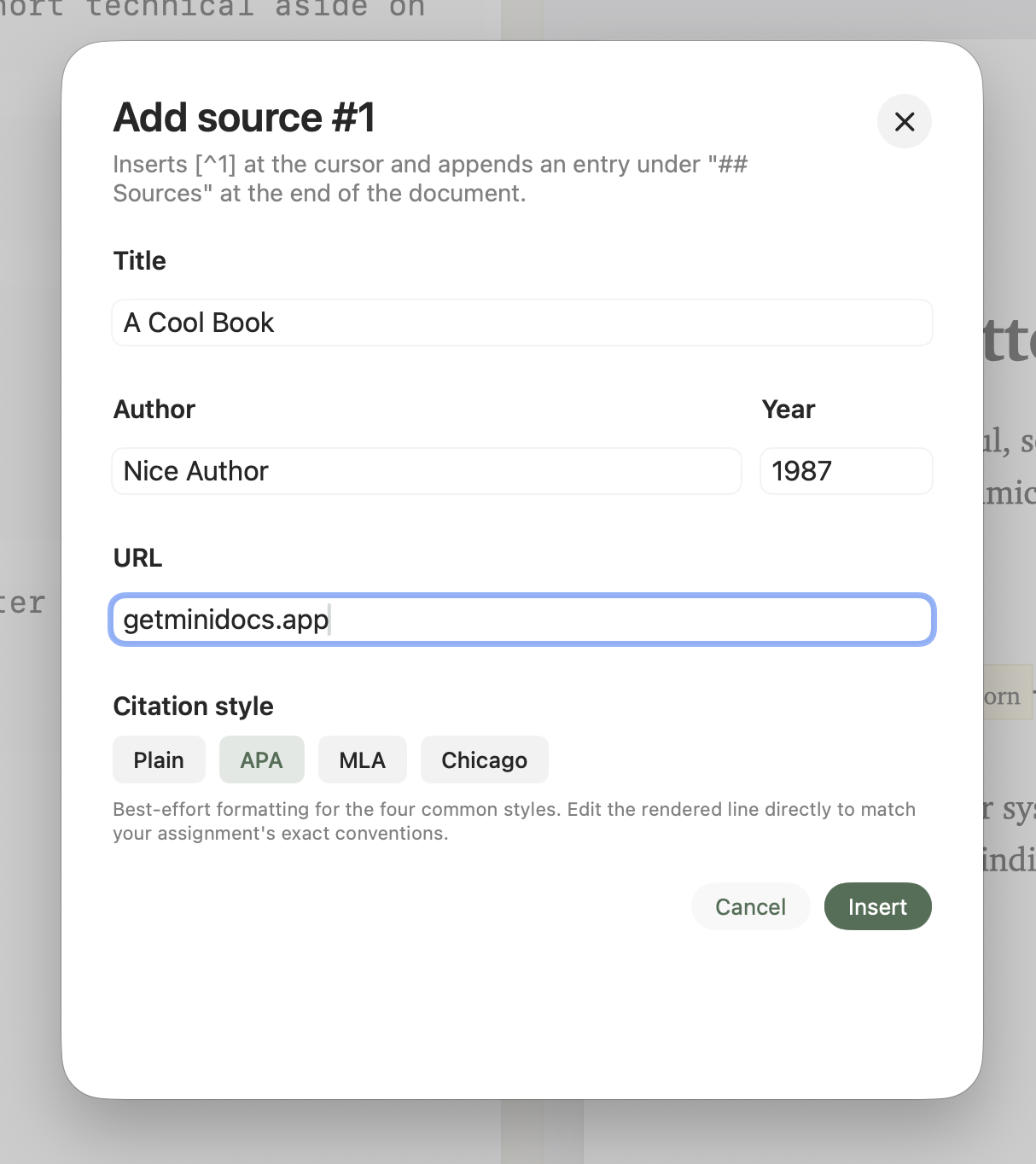
APA, MLA, Chicago, and plain styles. Numbered citation markers in text; sources gathered at the end automatically.
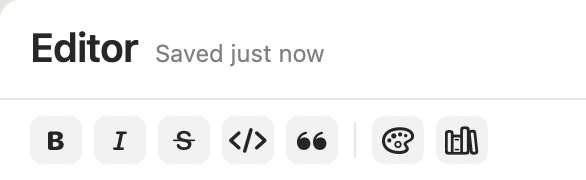
Bold, italic, strikethrough, inline code, blockquote, and color — above the editor, selection-aware.
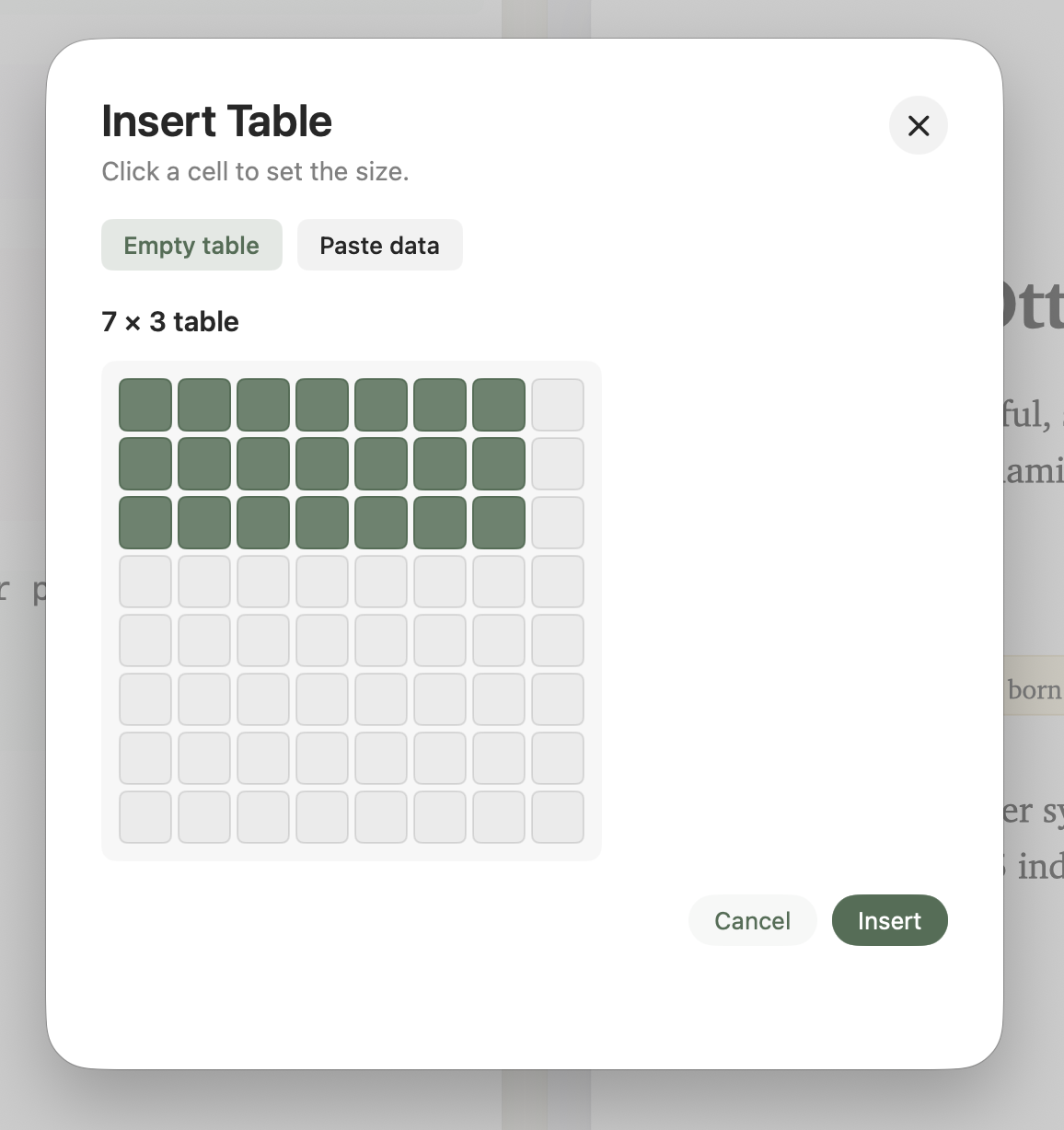
Type / to insert tables, images, math, diagrams, callouts, notes, sources, TOC, and links — no mouse needed.
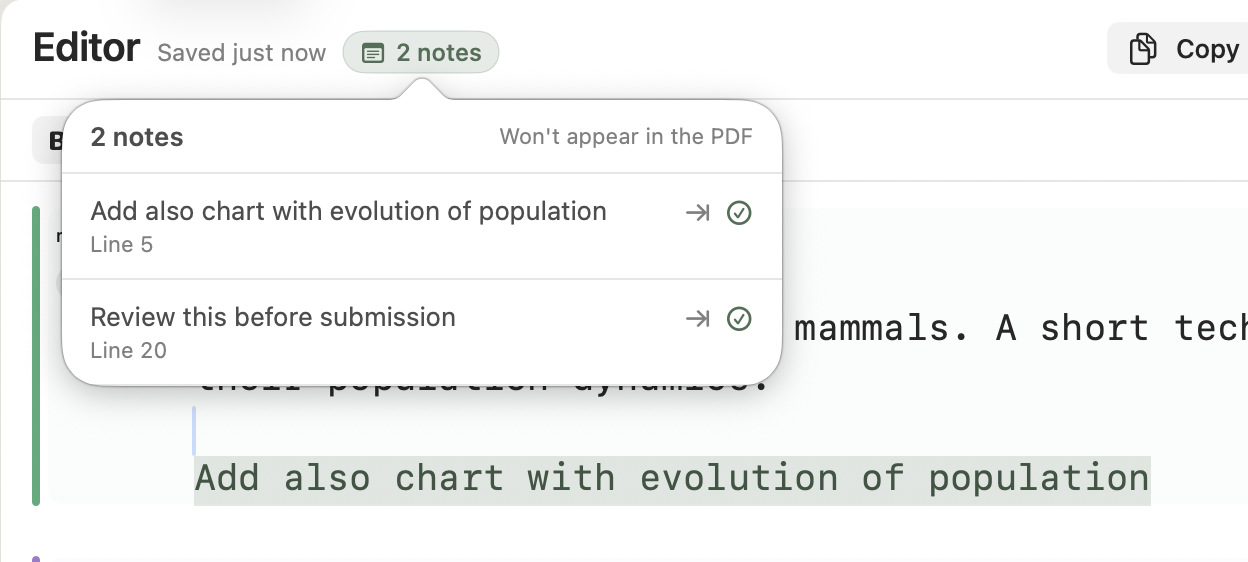
Attach private notes to any line. They appear in the editor and are stripped from every export.
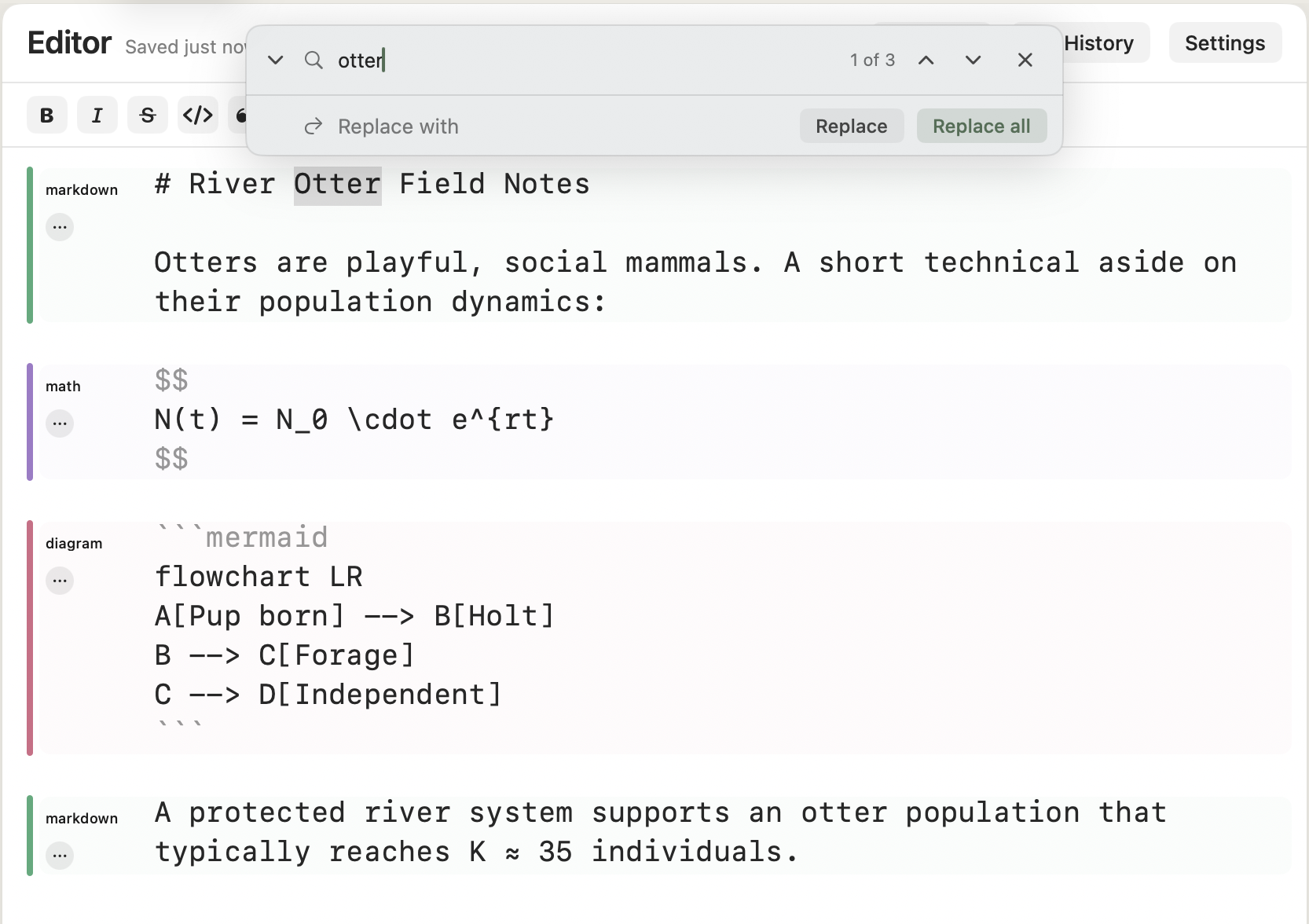
Live match count, replace one, replace all. Floats above the editor; Esc closes it.
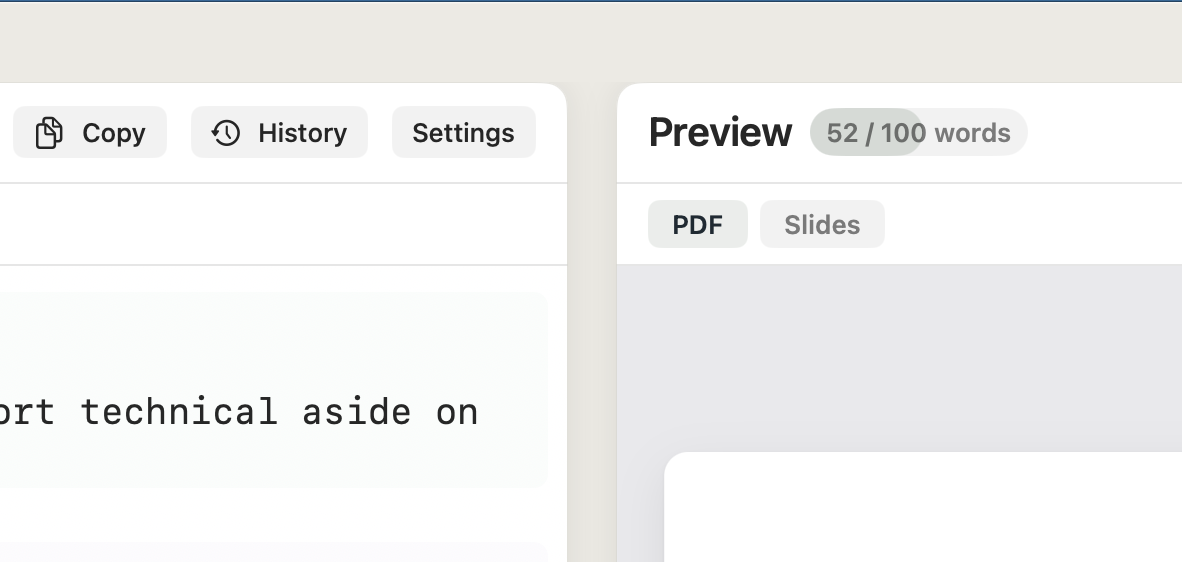
Set a per-document target and track progress live. Turns sage when you cross it.
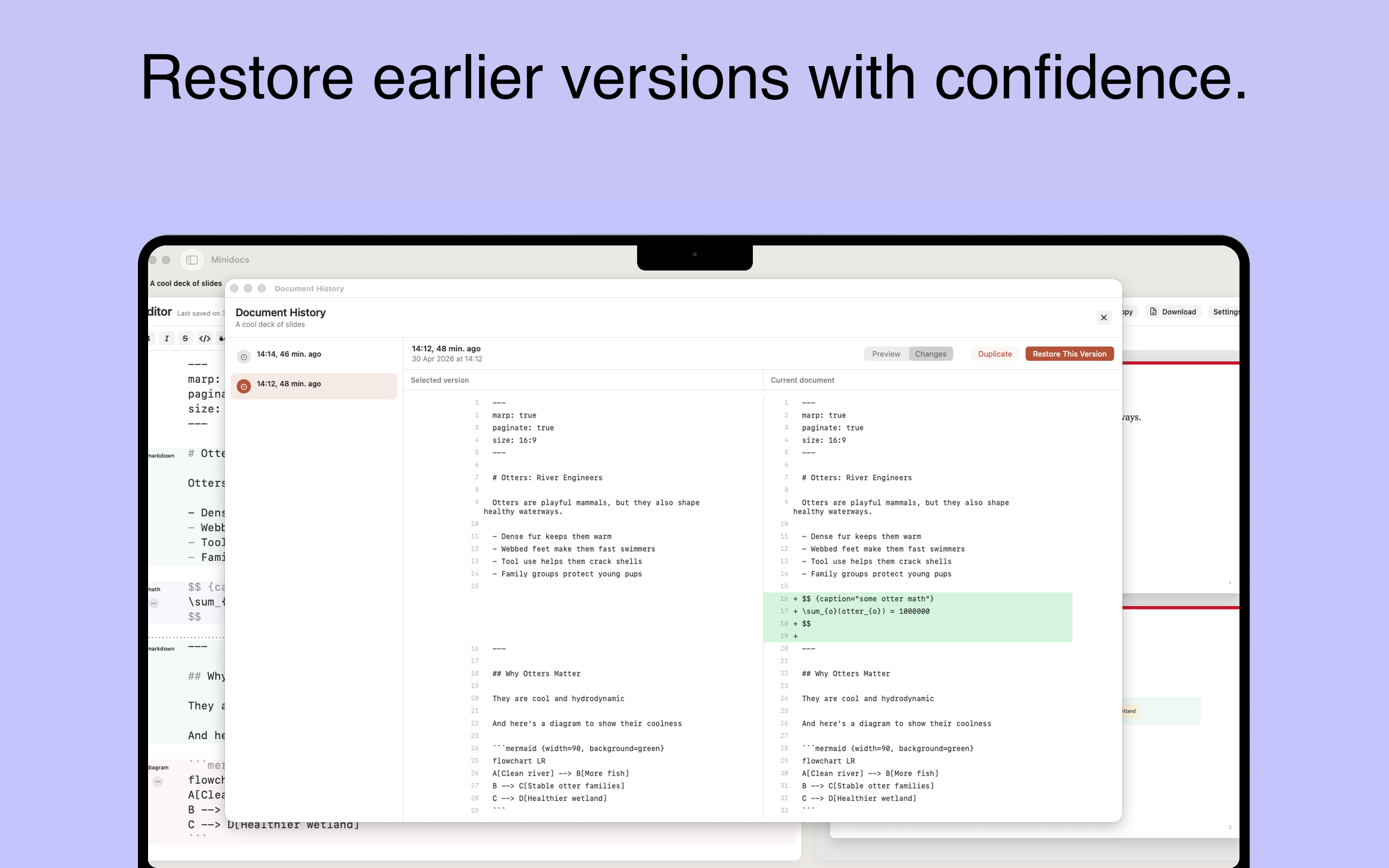
Every saved version is kept. Compare drafts side-by-side and restore any earlier state.
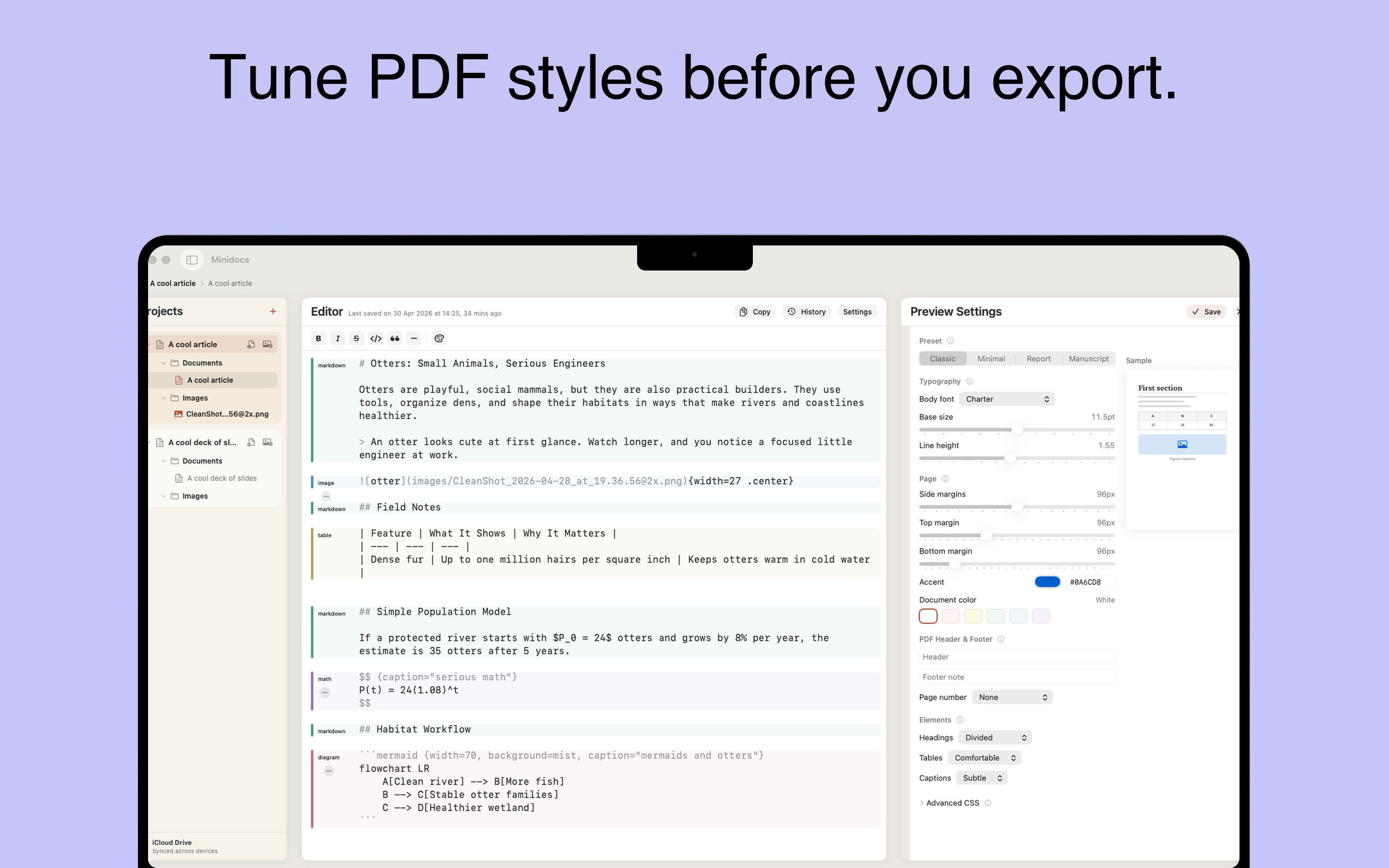
Font, size, spacing, line height, paper size, margins, and color scheme. All visual, no CSS required.
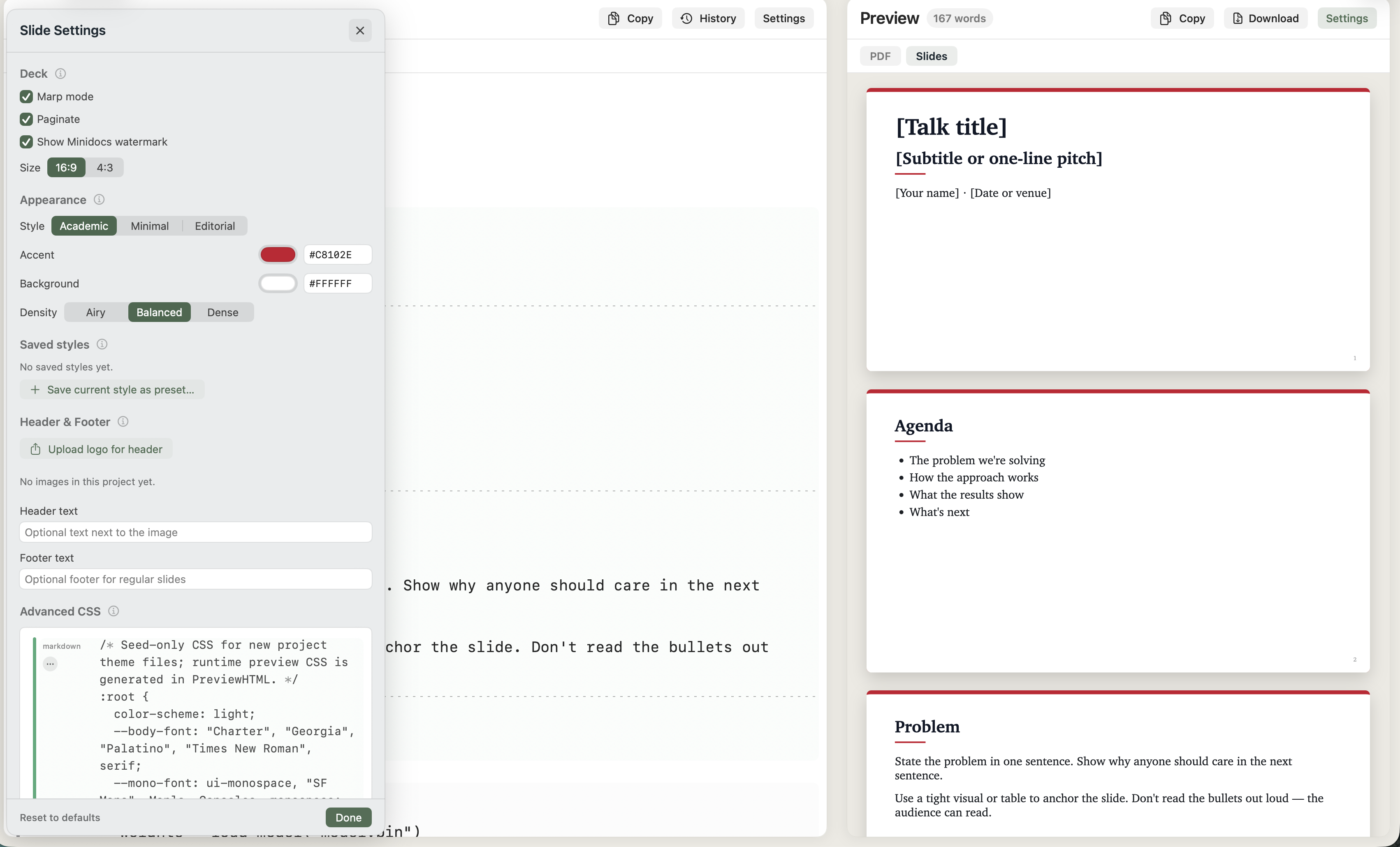
Aspect ratio, font, theme color, and padding. Configurable per project, independent from PDF style.
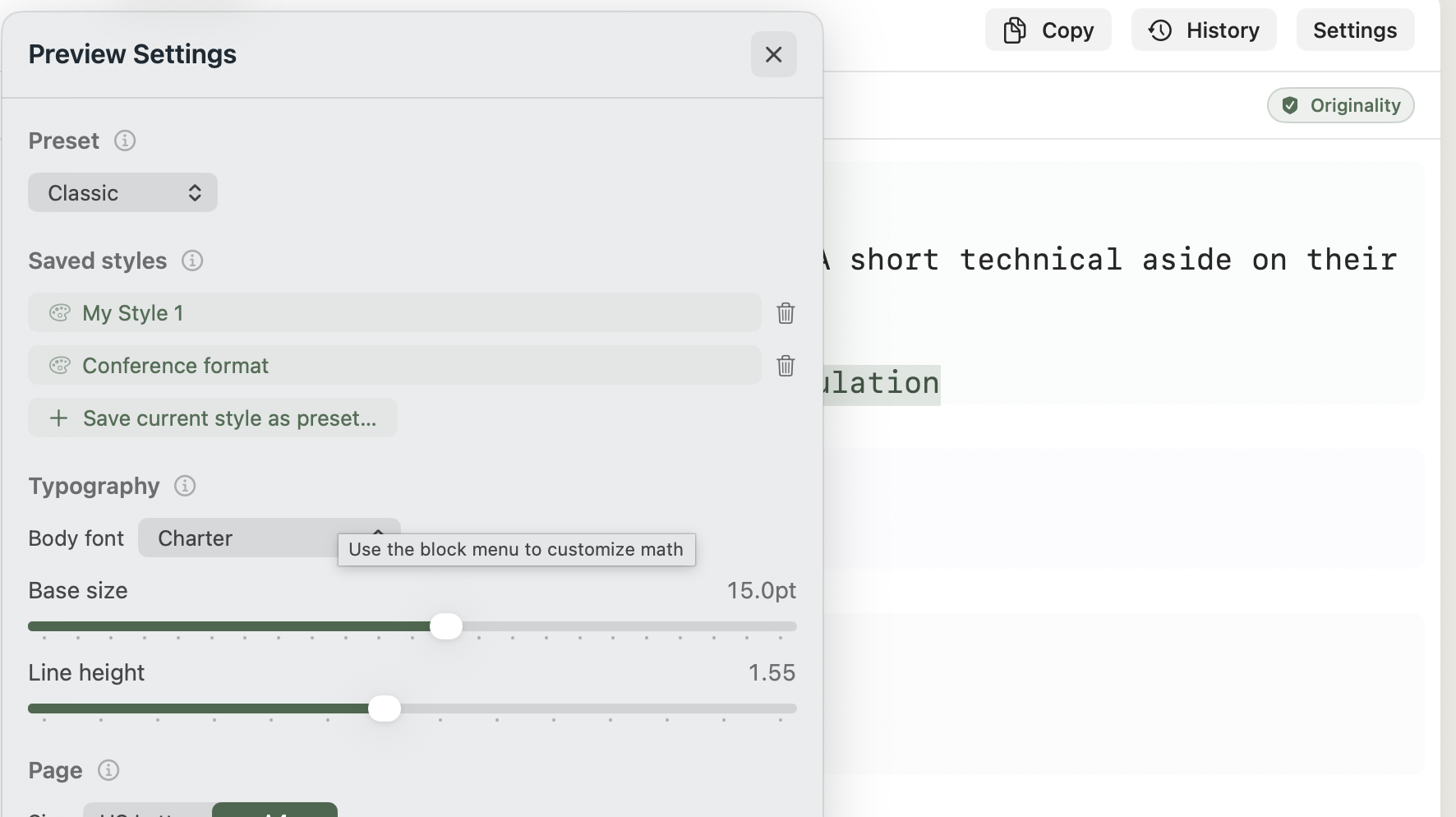
Name and save any style configuration. Reuse it across documents in one click.
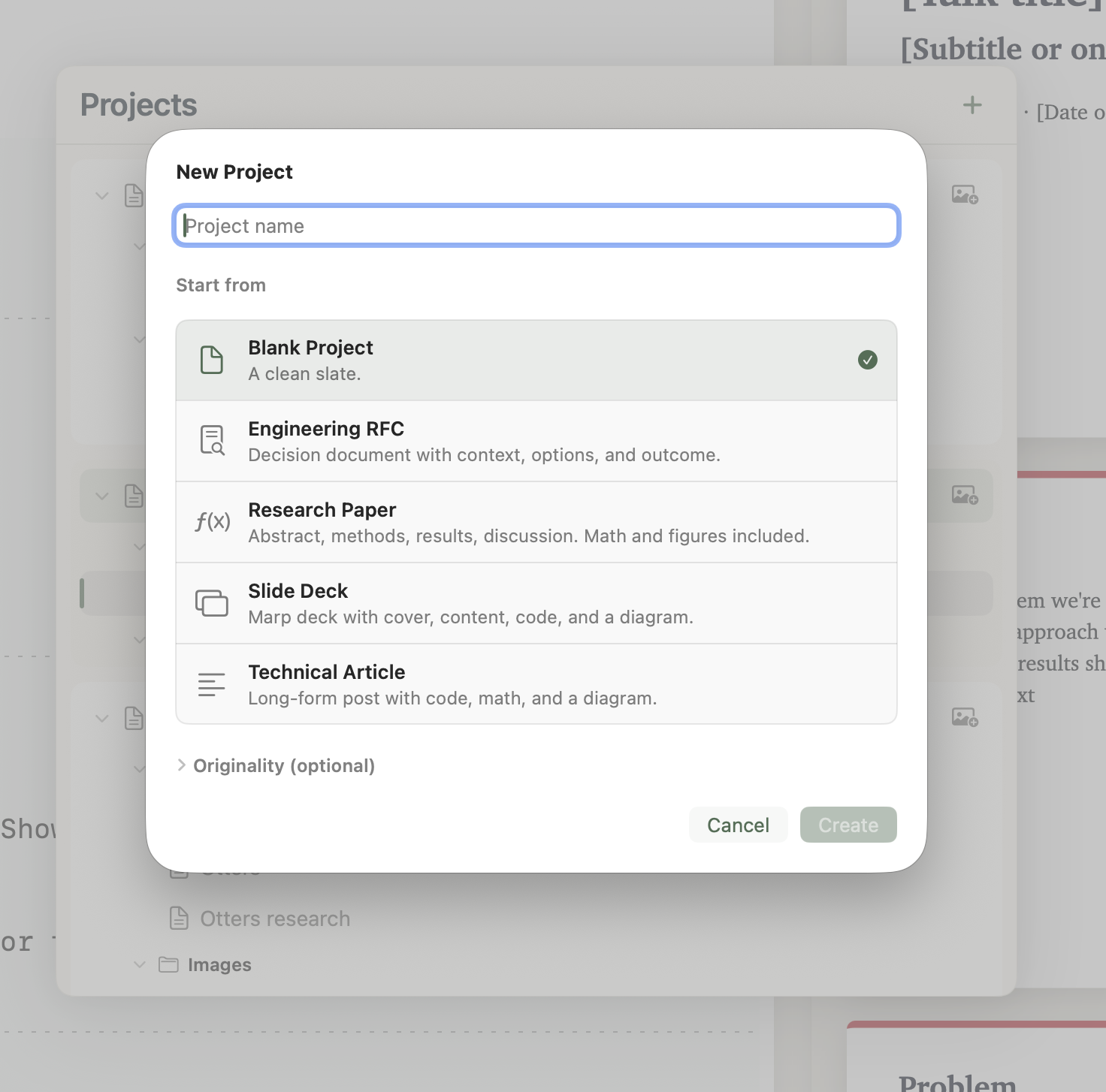
Start from a document or slides template. Add your own to the collection.
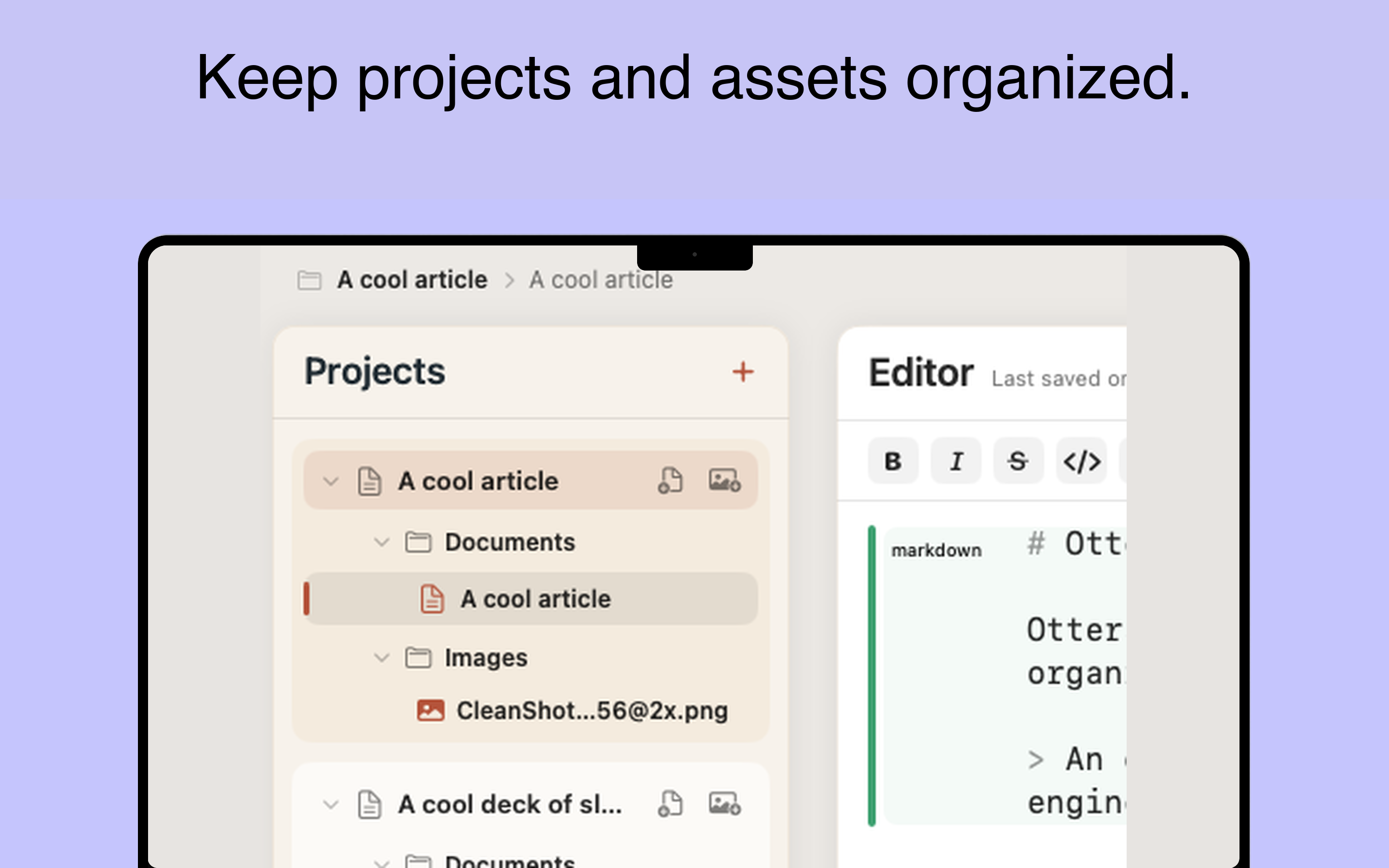
Each document lives in its own project folder — Markdown source, theme, metadata, and images together.
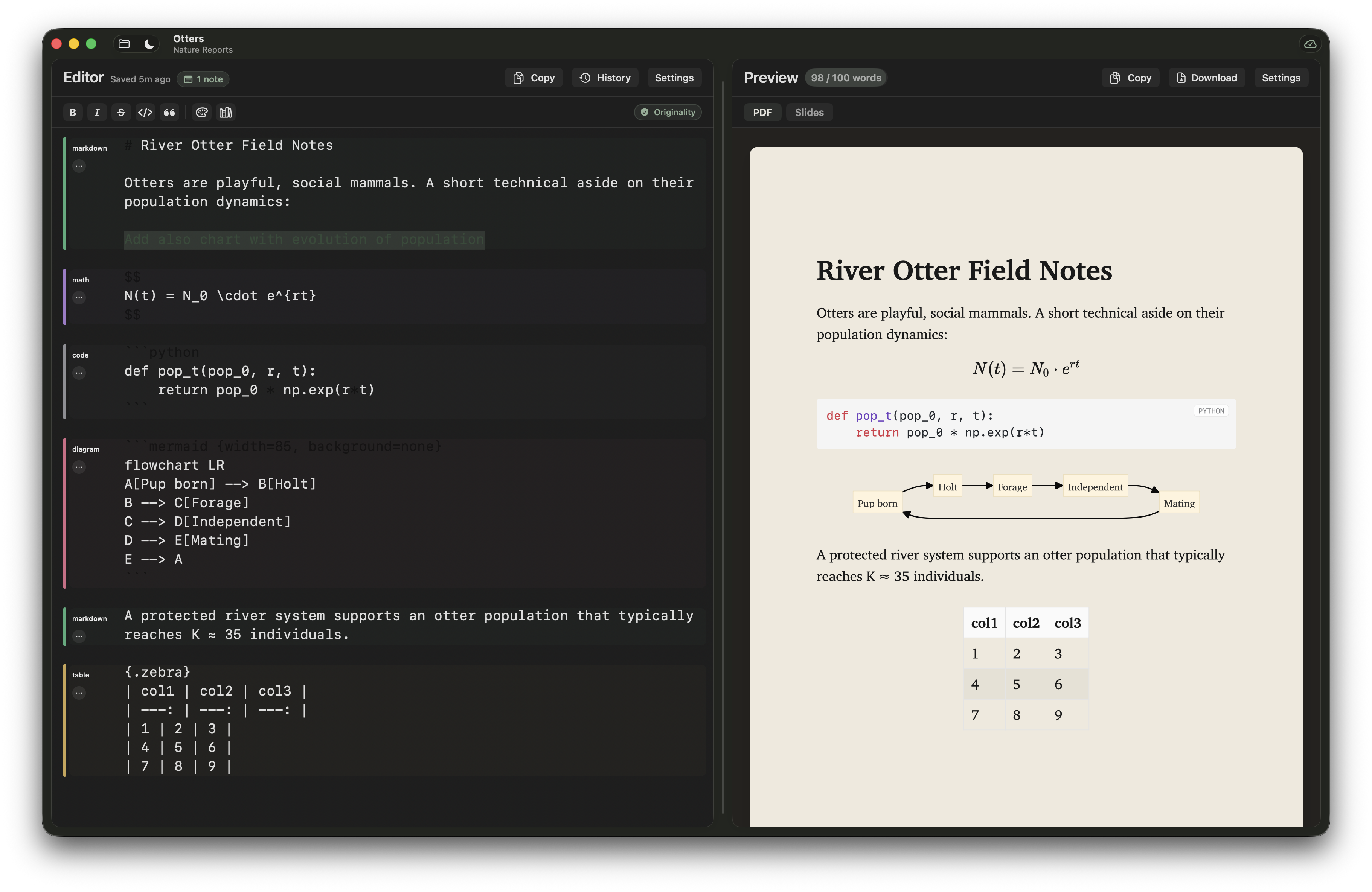
System-aware. Editor and preview follow macOS appearance automatically, with a manual override.
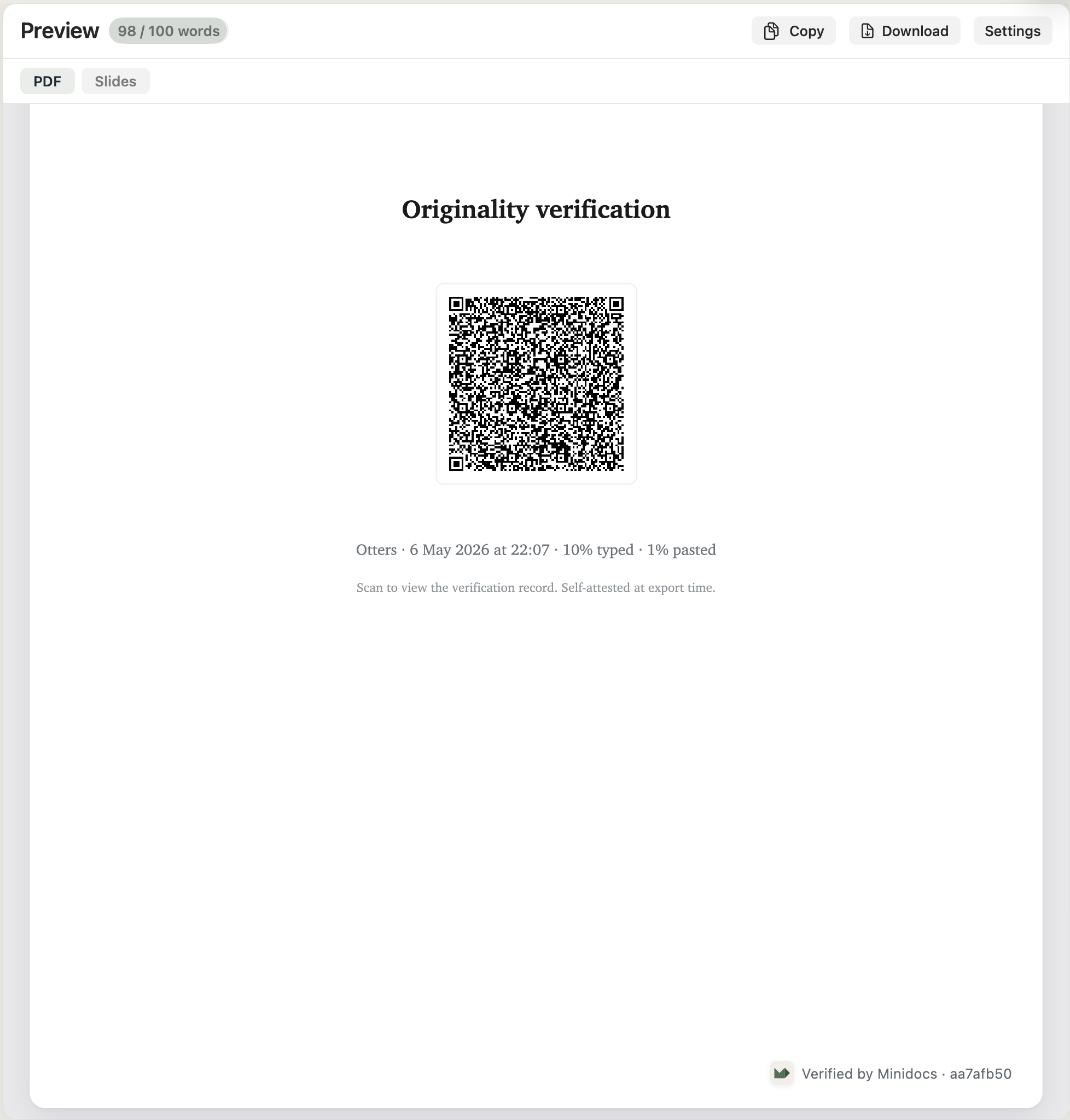
Embed a verification record in exported PDFs, slides, and HTML so readers can confirm the document is unchanged since export.
Type /toc and the preview generates a linked table of contents from your headings.
GitHub-flavoured task lists. Tickable in preview, rendered as checkboxes in PDF export.
Colour-coded gutter labels per block type. Syntax markers fade on inactive lines so your prose stays front and centre.
Wrap any text in {#HEX|…} to apply a custom color in preview and export.
Stores in iCloud Documents by default. Falls back to the local sandbox automatically if iCloud is off — no configuration needed.
Buy once, use forever. No sign-in, no tracking, no background network calls. Your documents stay on your machine.
Export, switch preview modes, format text, open history — everything has a shortcut. No mouse required for the writing flow.
Renders the document to clean, inline HTML and copies it to the clipboard — ready to paste into any email client or web editor.
Workflows
Minidocs is one app. Different people arrive for different reasons.
Originality
Minidocs can add a verification record to exported PDFs, slides, and HTML so educators and students can check where a document came from and whether it changed after export.
Verification is local-first. Minidocs does not require uploading the document to a server.
A private writing and publishing tool for Markdown documents — no account, no subscription. Yours forever for $14.99 after the trial.
Try Minidocs free
Drafting with an LLM? Use the Minidocs starter prompt.