Pandoc alternative
A native Mac alternative to Pandoc for polished Markdown PDFs.
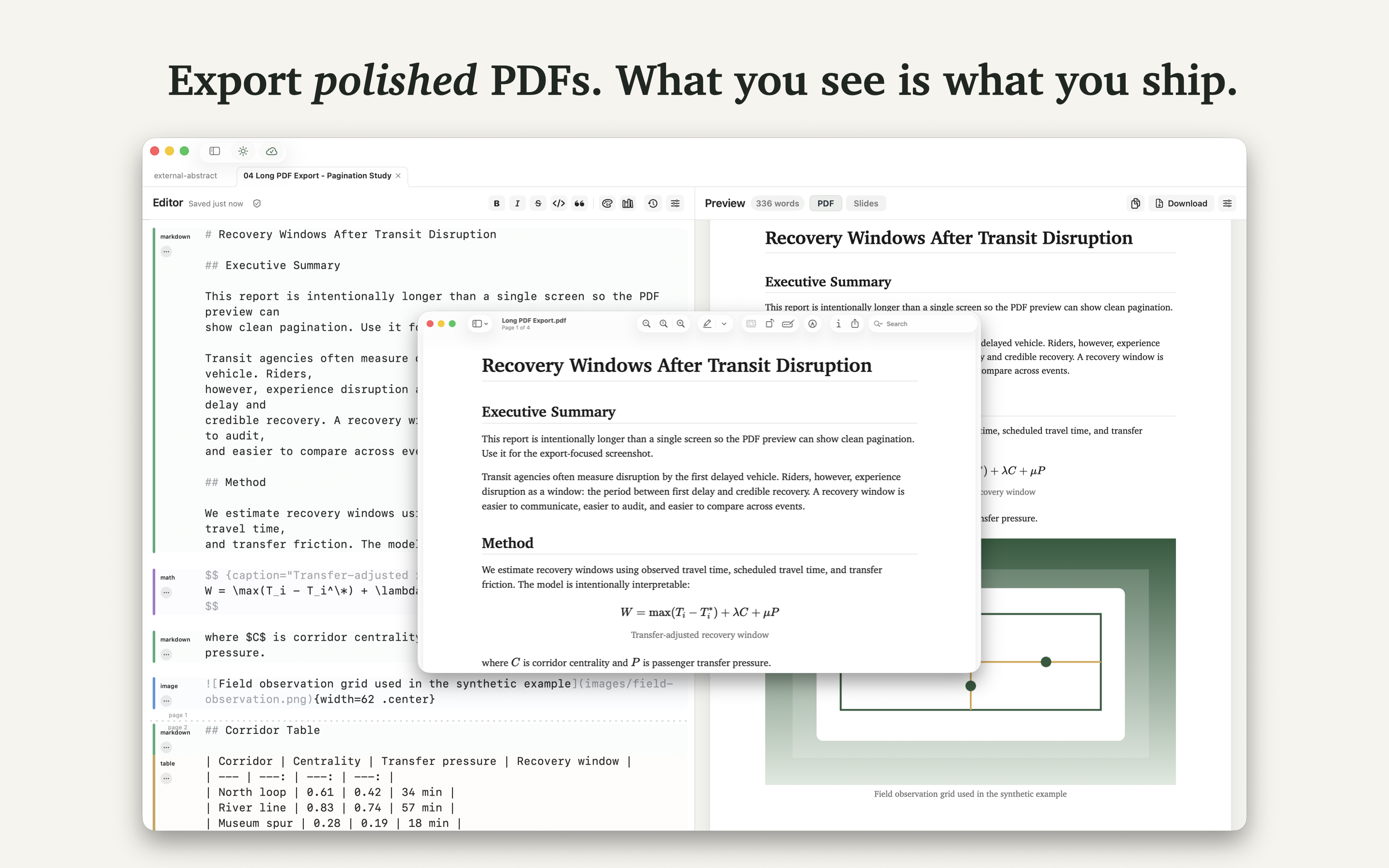
Pandoc is powerful. Minidocs is calmer. Write Markdown, see the finished PDF beside the editor, tune styling visually, and export without maintaining a command-line build pipeline.

When Pandoc feels heavier than the job
Pandoc is excellent for broad format conversion and automated pipelines. But many Markdown writers just need a clean way to turn a document into a polished PDF. Minidocs focuses on that daily writing flow: edit, preview, style, export.
Visual styling instead of template maintenance
Choose paper size, margins, fonts, line height, colors, headers, and saved presets from the app. You can still use custom CSS when needed, but you do not have to start there.
Technical Markdown without setup
Minidocs supports the blocks that make Markdown useful for real documents: KaTeX math, Mermaid diagrams, syntax-highlighted code, GFM tables, callouts, images, citations, generated tables of contents, PDF export, slide preview, and HTML export.
Plain files on disk
Each project is a small folder containing the Markdown source, theme CSS, metadata, images, and exports. Your documents remain local or in iCloud Documents. No Minidocs account is required.
Pandoc alternative FAQ
Is Minidocs a full Pandoc replacement?
No. Pandoc is a universal converter. Minidocs is a native Mac app for writing Markdown and exporting polished PDFs, slides, and HTML with live preview.
Can Minidocs export Markdown to PDF without command-line setup?
Yes. You do not need Pandoc, LaTeX, shell scripts, or template files to export a polished PDF.
When should I still use Pandoc?
Use Pandoc for broad format conversion and build automation. Use Minidocs when the primary job is writing, previewing, and exporting polished Markdown documents on Mac.